

10ft Event Tent
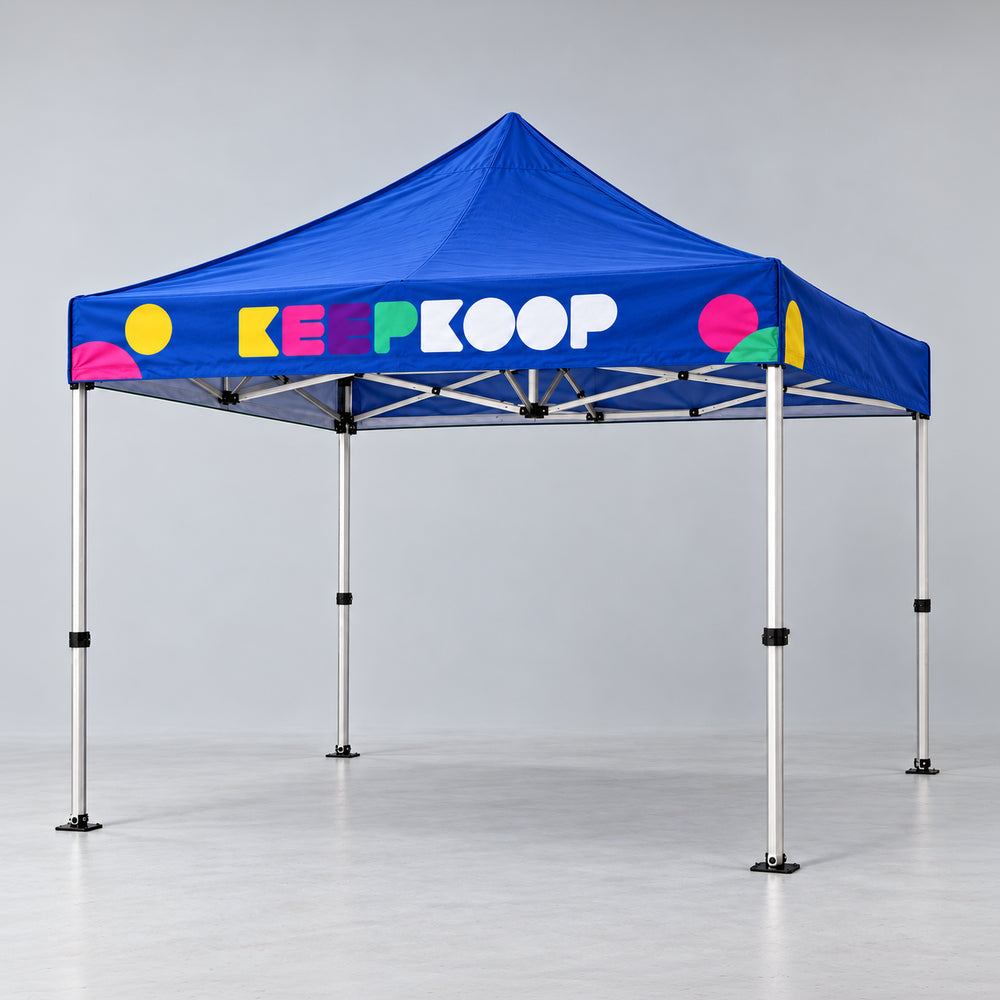
A 10 x 10 ft tent with your design printed edge to edge on all four sides, on a strong aluminum frame that goes up in minutes. Add printed walls to finish the look.
About the 10ft Event Tent
Put your brand on all four sides. The canopy is printed edge to edge, on every peak and every valance, and sewn onto a strong aluminum frame that goes up in minutes. Great for fairs, markets, sports days, job sites and trade shows.
- Colors that last: dye sublimation puts the ink inside the fabric, so it does not crack or peel.
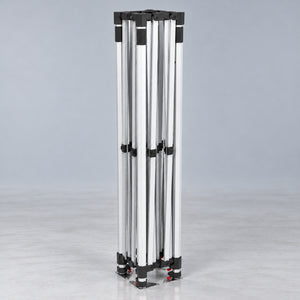
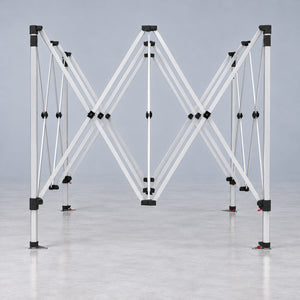
- Strong frame: 40 mm hexagonal aluminum, much sturdier than steel frames that bend.
- Easy setup: telescopic legs with several heights, and the frame opens with the turn of a handle.
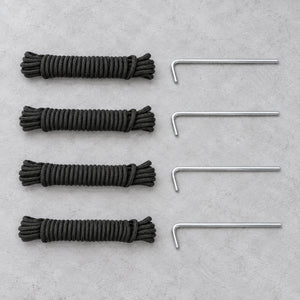
- Stays put: each leg has a foot plate to stake down. Ropes, stakes and a carry bag are included with the frame.
- Make it yours: add printed full walls or half walls, sandbags or a bag with wheels.
Material
- 6 oz tent fabric (600 x 600 denier), waterproof coating
- 40 mm aluminum hex frame, 1 mm wall
- Full color dye sublimation
- Scratch resistant
- Weather resistant
Size and weight
- Assembled: 120" W x 120" D
- Height: 124.5" (lowest) to 137" (tallest)
- Weight: frame 43 lb + canopy 8 lb = 51 lb
Included with the frame
- 4 ropes and 4 stakes
- Standard carry bag
Optional
- Carry bag with wheels
- Sandbags (sand not included, each holds 50 lb)
- Printed full walls and half walls
Print-ready artwork
Your tent ships 2 business days after you approve your artwork. For example, approve on Monday (by 12 pm Eastern Time) and it ships on Wednesday. Approvals on weekends and holidays count from the next business day. Rush and same day are not available for tents. Shipping time is added after that.
With our design service
If you choose "We design it for you", our designers email your proof within 3 business days (one round of changes included). Production starts when you approve it, and the tent ships 2 business days later.
Your file
- PDF (one page) or JPG
- CMYK color
- 150 dpi at full size is enough for a tent
- Up to 300 MB per file
- One file for each side if the sides are different
Tips
- Convert Pantone or spot colors to CMYK
- Turn text into outlines
- Keep logos and text inside the safe zone
- Extend the background to the edge of the bleed (2")
Download a template
| Piece | Photoshop | |
|---|---|---|
| Canopy (one side) | PDFCanopy | PSCanopy |
| Full wall | PDFFull wall | PSFull wall |
| Half wall | PDFHalf wall | PSHalf wall |
- Do not change the artboard size or move the guides.
- Design on the layer called "Artwork".
- Delete the guide layers before you save, as the template says.
No design yet? Use our free online editor above, or choose "We design it for you".
Step by step pictures to set up and take down your tent. Two people make it easier.
PDFEvent tent setup guide